

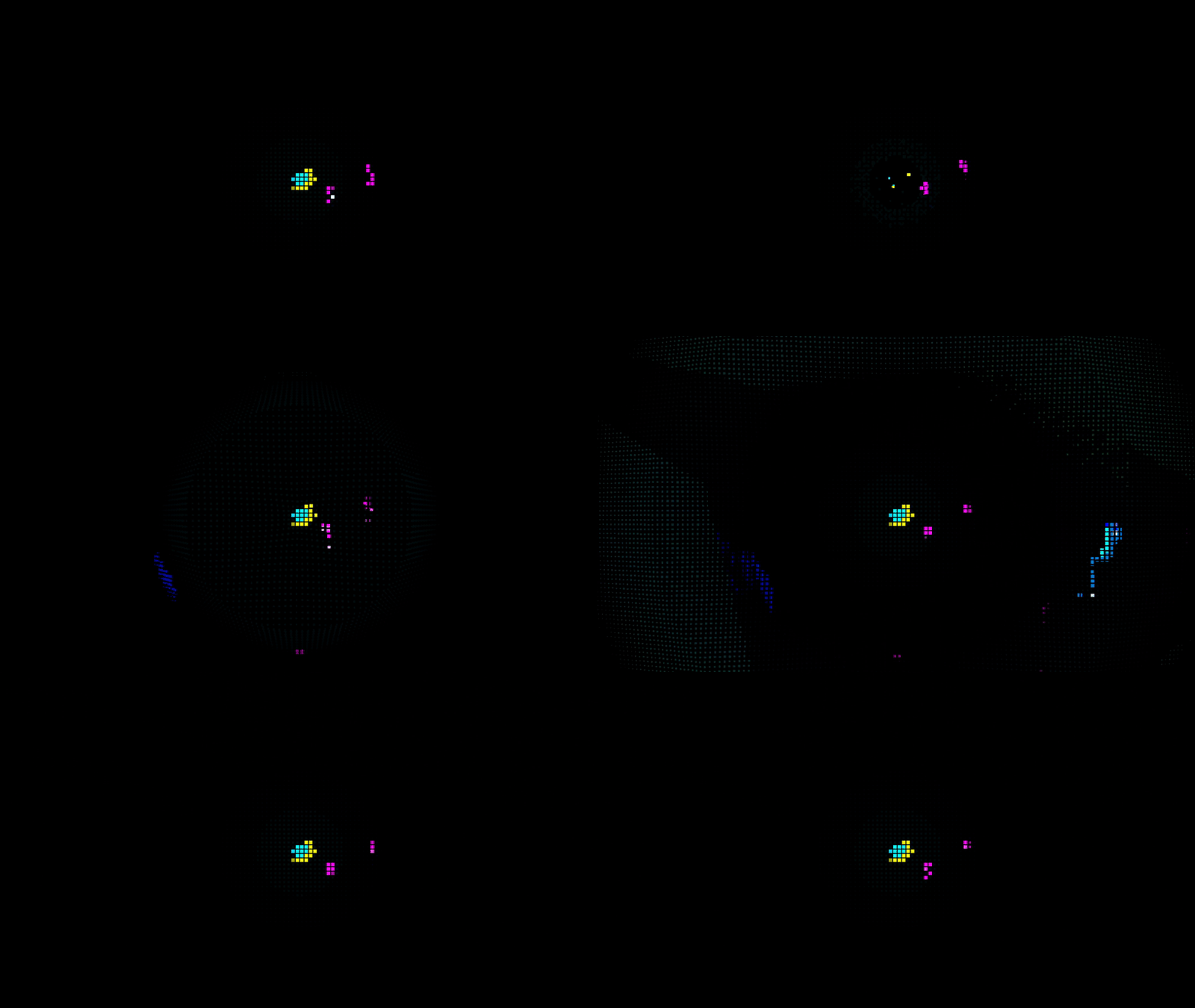
The idea behind this game is to simulate the deep sea in an abstract fashion. 80% to 90% of screen is pitch black and the colours are all on a large grid that can move with player abilities. The challenge was to still make the game legible, working with these quite extreme constraints.
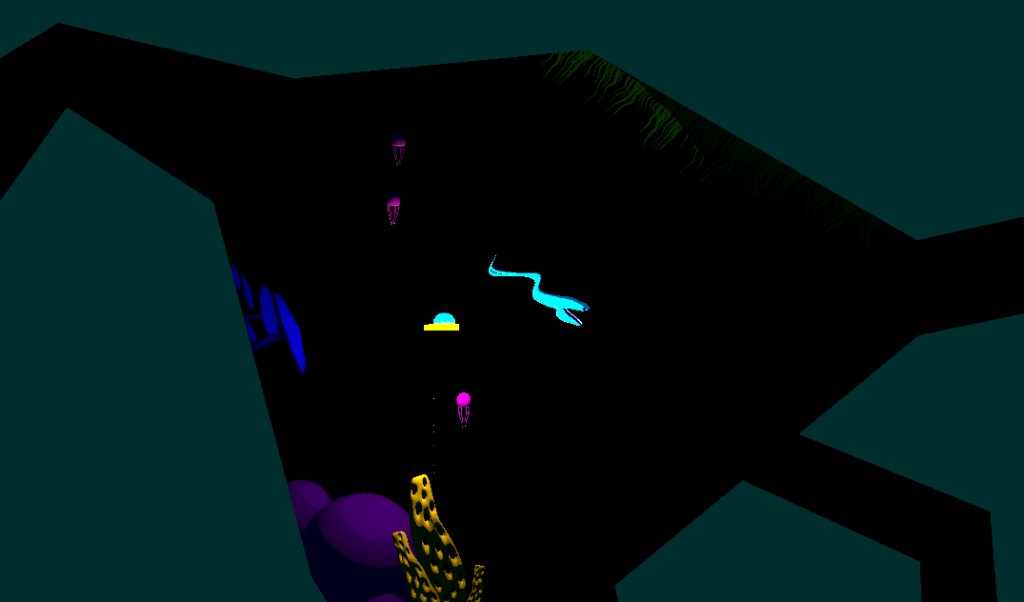
This is how the scene is set. I Use the 3D render pipeline and an orthographic camera. Every material uses a flat colour and a simplified custom lighting model where all I use is the distance attenuation, and light direction to render light. This is all done in shader graph using a custom function.
void BasicAdditionalLights_half(float3 WorldPosition, float3 WorldNormal, out float TotalAttenuation, out float3 LightColor)
{
    TotalAttenuation = 0.0;
    LightColor = float3(0, 0, 0);

#ifndef SHADERGRAPH_PREVIEW
    uint pixelLightCount = GetAdditionalLightsCount();
    LIGHT_LOOP_BEGIN(pixelLightCount)

    uint perObjectLightIndex = GetPerObjectLightIndex(lightIndex);
    Light light = GetAdditionalPerObjectLight(perObjectLightIndex, WorldPosition);

    float atten = light.distanceAttenuation;

    float NdotL = saturate(dot(WorldNormal, light.direction));

    float diffuse = atten * NdotL;
    TotalAttenuation += diffuse;
    LightColor += light.color;
    LIGHT_LOOP_END

#endif
}
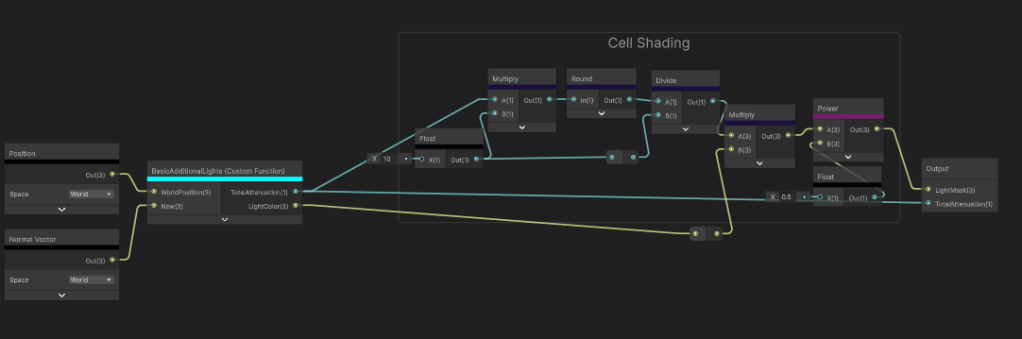
Too simplify it even further I use basic cell shading to get as few colours as possible for the post processing filter. Legibility is my number one priority here.
Onto the post processing, I use a Custom Render Feature because the shader I create is not possible in shader graph and optimisation is a huge factor particularly for this game.
        float4 calc(Varyings input) : SV_Target
        {
            float2 screenPos = float2(_ScreenParams.x, _ScreenParams.y);
            float2 scaledAspectRatioUV = screenPos / _gridScale;

            float2 scaledTexCoord = input.texcoord * scaledAspectRatioUV;
            float2 id = round(scaledTexCoord);
            float2 gridTexCoord = id / scaledAspectRatioUV; // quantized UV
            float4 blit = SAMPLE_TEXTURE2D_X(_BlitTexture, point_clamp_sampler, gridTexCoord);
            return blit;
I start off quantising the camera colour to retrieve this output.
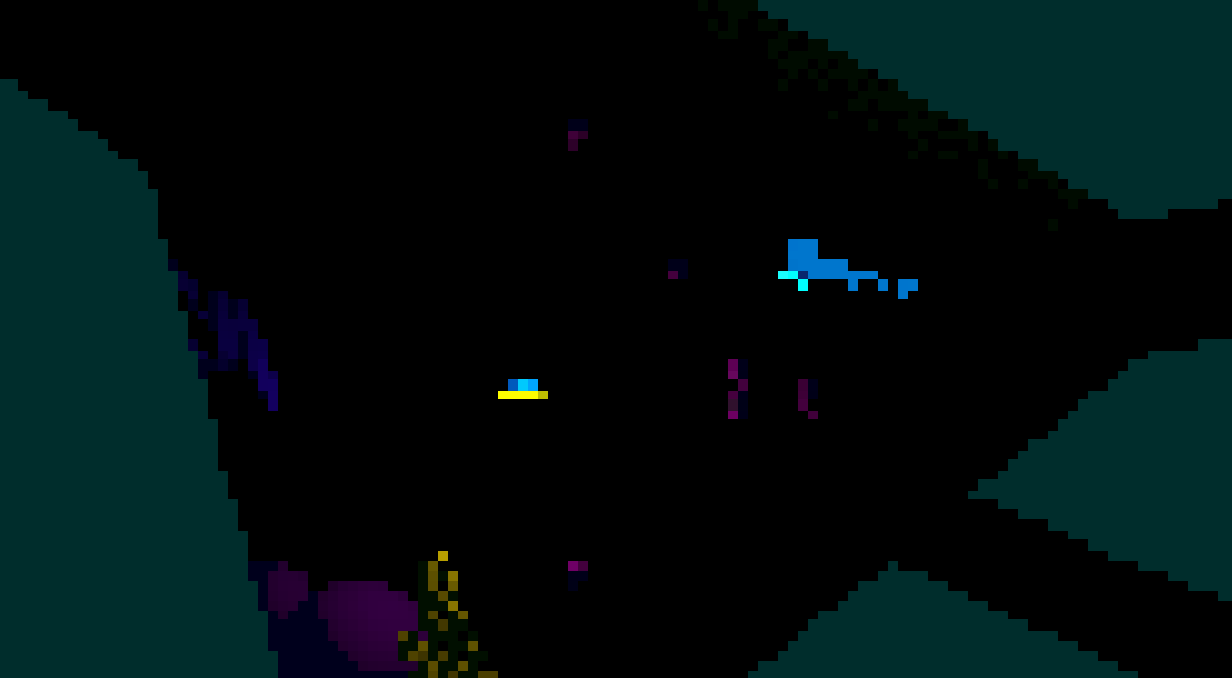
Already looking tough to see. The reason why the cells need to be so big is because a black grid will need to be rendered over the top of it. Now making a grid is fairly simple and I got a video tutorial for it here. The real challenge is moving each grid cell without it loosing its square shape.
I use a compute shader to render a render texture that my post processing shader can sample.
[numthreads(8, 8, 1)]
void CSMain(uint3 id : SV_DispatchThreadID)
{
    float2 aspScreen = aspectRatioPentile(_Resolution);
    float2 uv = (float2(id.xy) + 0.5) / _Resolution;

    float2 scaledAspectRatioUV = _Resolution / _gridScale;
    float2 scaledTexCoord = uv * scaledAspectRatioUV;

    float2 idCoord = round(scaledTexCoord);
    float2 gridTexCoord = idCoord / scaledAspectRatioUV;

    float2 gridSpacePlayerPos = (_playerPos * _Resolution) / _gridScale;

    float centerLight = circleSDF(gridTexCoord, aspScreen);
    float sonarPing = sonarSDF(gridTexCoord, aspScreen, 0, 0.5);
    float flare = flareSDF(gridTexCoord, aspScreen, 20, 2) * 50;
    float radialScan = radialScanSDF(gridTexCoord, aspScreen, 1, 1) * 10;
    float col = 0;
    int neighbourRange = 4;
    for (int x = -neighbourRange; x <= neighbourRange; x++)
    {
        for (int y = -neighbourRange; y <= neighbourRange; y++)
        {
            float2 offset = float2(x, y);
            float2 localTexCoord = scaledTexCoord - offset;
            float4 currSC = float4(frac(localTexCoord), floor(localTexCoord));

            float2 localUV = (currSC.zw) / scaledAspectRatioUV;
            float sonar = sonarSDF(localUV, aspScreen, 0, 2);
            float flare = flareSDF(localUV, aspScreen, 20, 2) * 4;
            float radialScan = radialScanSDF(localUV, aspScreen, 1, 5);

            float totalMask = sonar + flare + radialScan;

            float2 displacementDir = normalize(gridSpacePlayerPos - currSC.zw);
            float2 displacedPos = currSC.xy + offset + (displacementDir * totalMask);
            float currDistFromSquare = max(-(max(abs(displacedPos.x) - 0.5, abs(displacedPos.y) - 0.5)), 0);
            col += currDistFromSquare;
        }
    }
    float totalMask = saturate(centerLight + sonarPing + flare + radialScan);
    col = smoothstep(_gridThickness, 1 - _gridThickness, col);
    col *= totalMask;
    col = step(0.01,col);
    Result[id.xy] = float4(col, totalMask, 0, 0);
}
The way this compute shader works is I quantise the UVs to the same size as the post processing and create a mask for each type of ability that I will show later. For context I have the “Flare”, “Radial Scan” and “Sonar Ping” abilities. I make each of the SDFs and combine them all in one single mask. Then I loop through a 2D array with “offset” being each index and use that to calculate the direction the grid cell should be moving. The ability SDFs I generate determine the distance the cell will move. The larger the 2D array, the further the grid cell can travel before being culled.
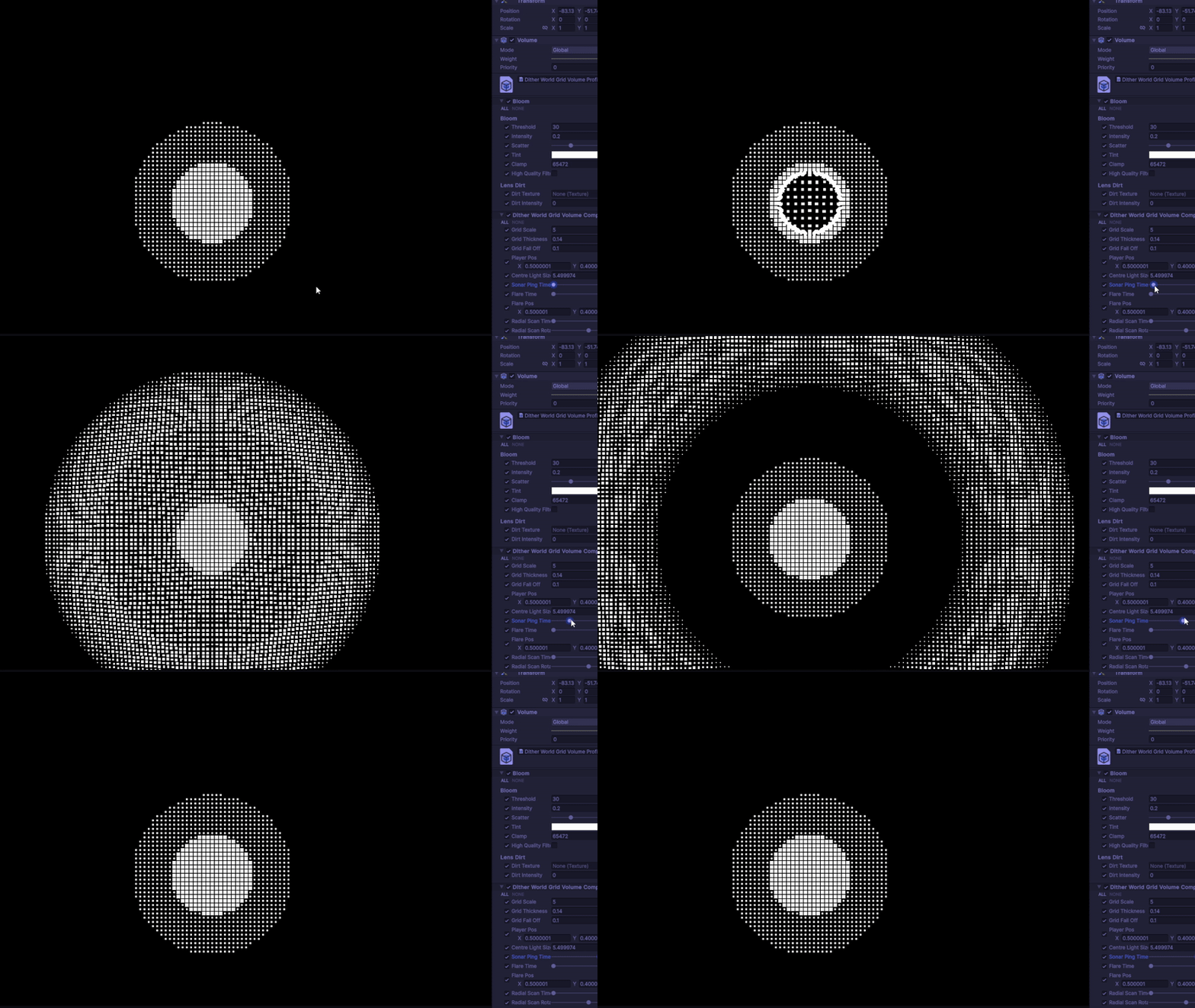
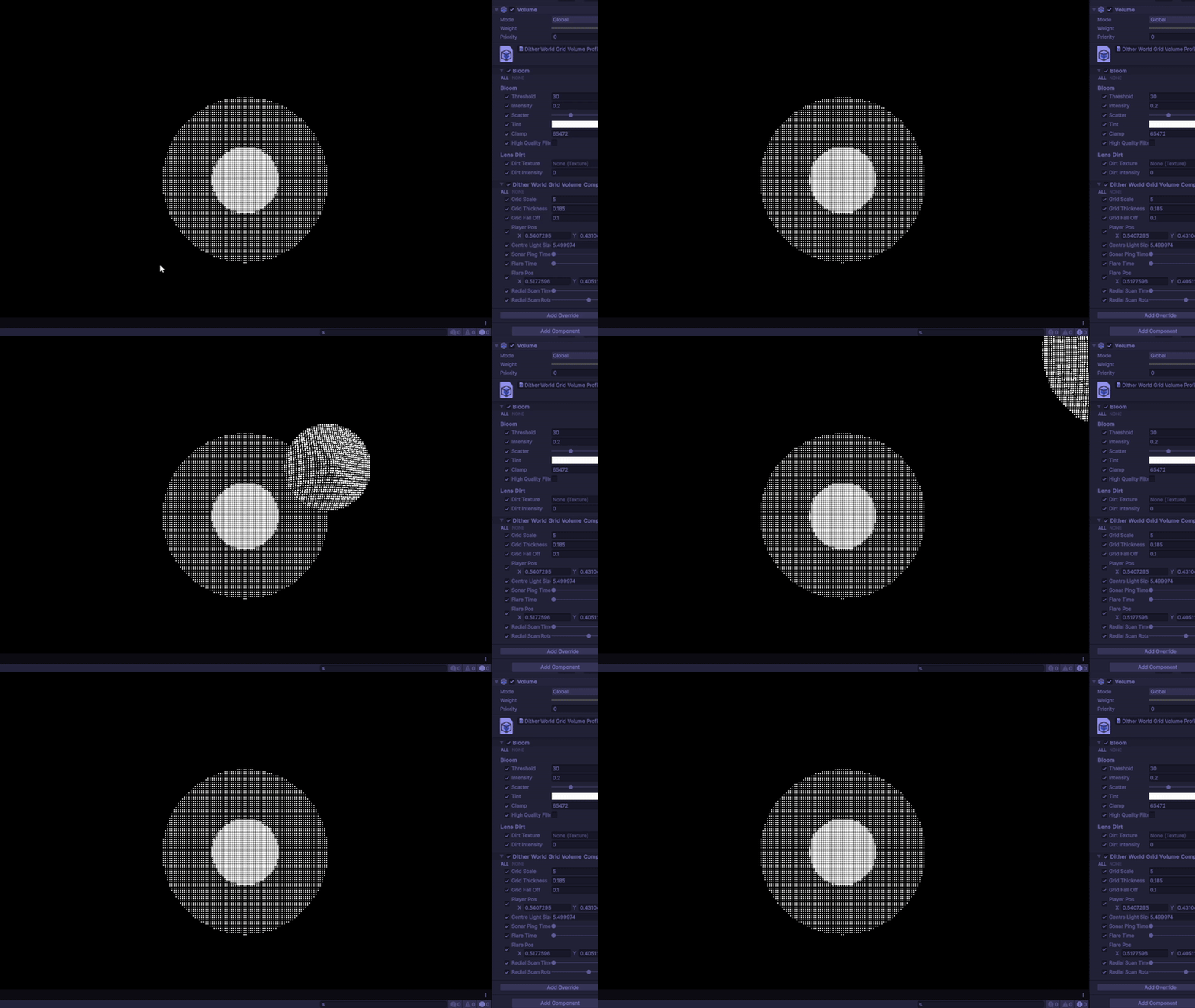
It works as intended, however there is a great cost. The red flag for me is the nest for loop. Unfortunately I couldn’t find anyway of avoid the nest for loop considering I rely on a 2D array to control the direction. Along with keeping both the grid and square cell intact, made for a huge challenge. Keeping the neighbouring samples around 4 was a good balance between performance and effectiveness. Here are the other two abilties in the render texture form:
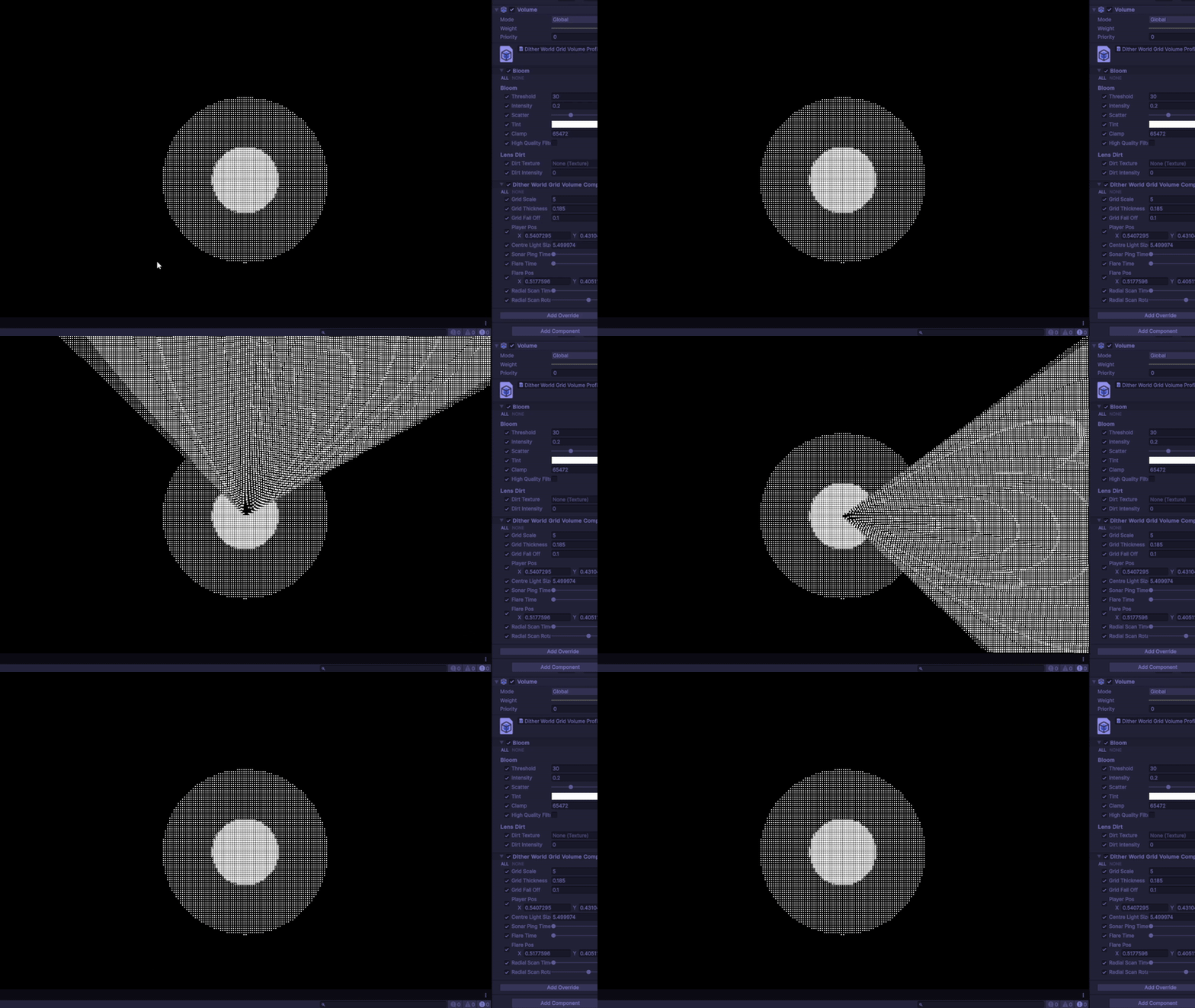
Now the mask is done I can use render texture as a multiplying factor in the UV for the blit texture.
Heres the final result with all three abilities:
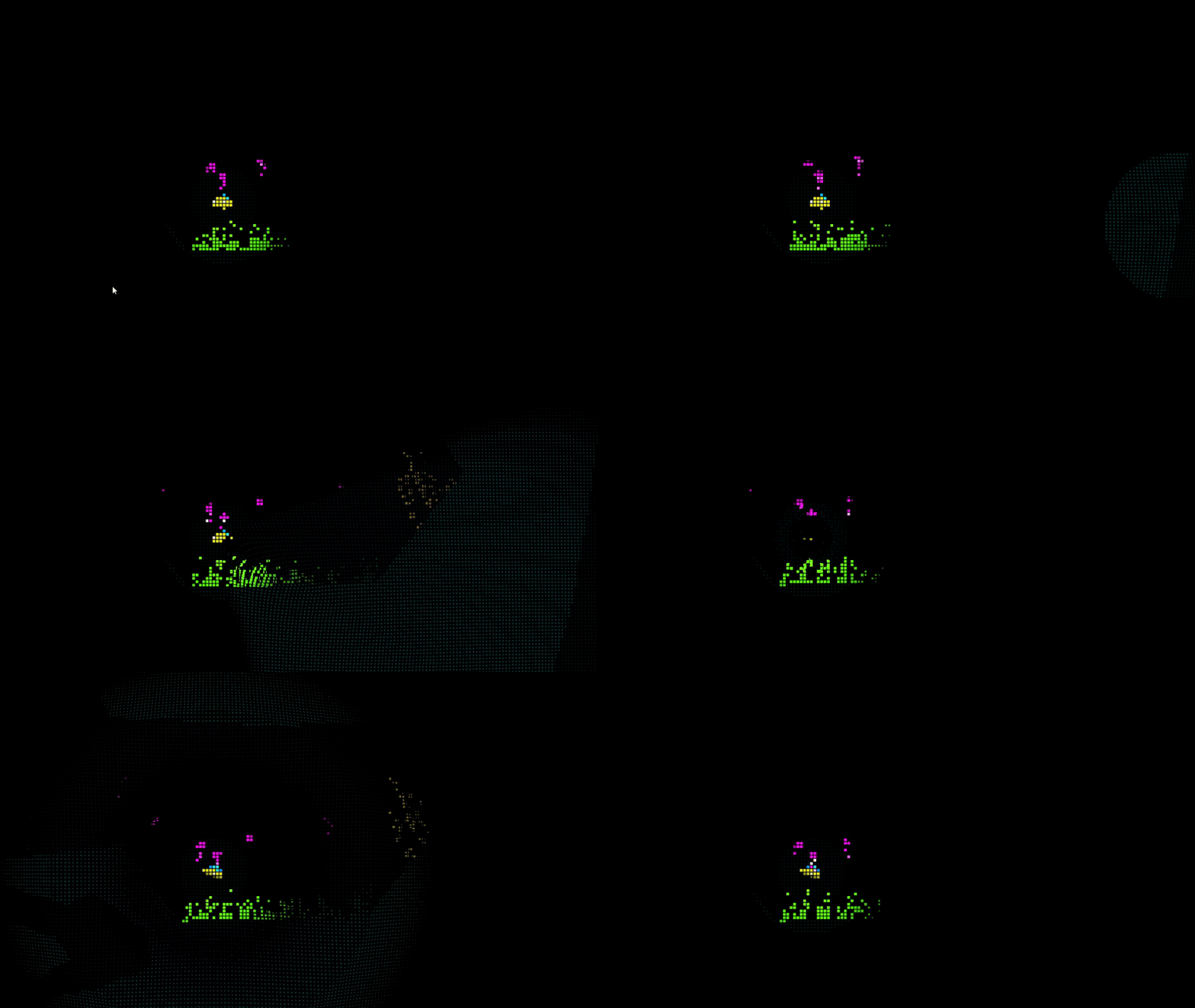
In the end this was a quick solo project that tested my current capabilities as a tech artist. I feel like I stretched the what can be done here with these aesthetic and hardware limitations. For what looks to be a simplistic looking game, there’s a lot that happens underneath!
 Jeremy Edwards